Match Pinterest Wedding Photo Ideas with Ease
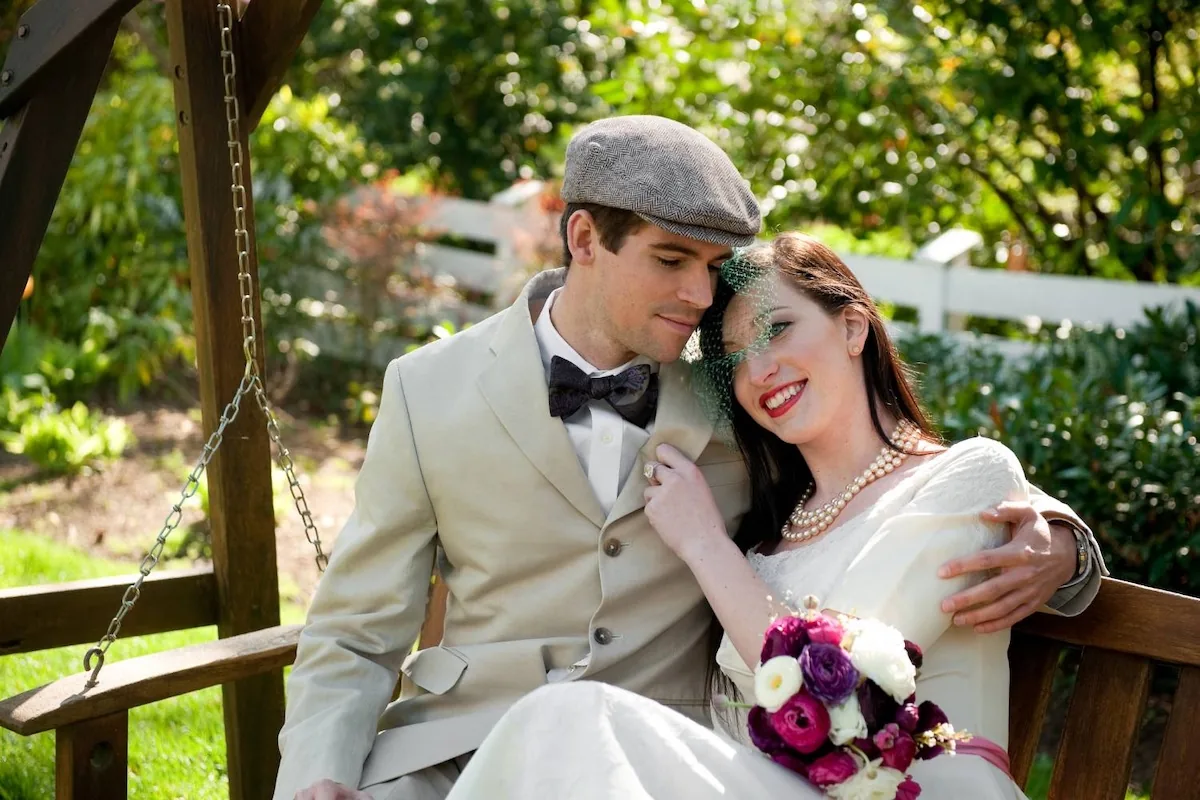
Pinterest changed wedding planning. It's also the single most common source of disappointment when the photos come back and don't look like the board.
The problem isn't Pinterest. The problem is how most couples use it — as a checklist to recreate, instead of a mood reference to interpret. Here's the version that actually works.
Quick answer
Use Pinterest to establish your visual tone (light and airy vs. warm and moody vs. editorial), not to collect specific poses. Share a curated board of 12–20 pins with your photographer 4–6 weeks out. Expect them to interpret the feeling, not copy the frames. If your photographer's style doesn't match your board at booking, no amount of Pinterest will fix it on the day.
What Pinterest is actually good for
Pinterest works as a visual thesaurus. It helps you find language for what you like before you know how to describe it.
Useful categories to save:
- Editing style references (how light and color feel)
- Lighting setups (golden hour, open shade, candlelit)
- Ceremony and detail aesthetics
- Outfit and styling ideas
- General poses that read "romantic" or "candid" to you
These are directional. They help your photographer understand your taste.
What it's bad at
Pinterest becomes destructive when couples treat it as a deliverable list. Problems that show up:
- Pose recreation almost always looks stiff
- Exact light conditions can't be replicated on a different day
- Different couples read different ways in the same pose
- Chasing specific pins eats the time we should spend on real moments
If your photographer is rushing through 40 pinned setups, they're not shooting your wedding — they're producing a Pinterest cosplay.
Step 1: Find your tonal direction
Before anything else, narrow your board down to one tonal family. Most wedding photography falls into:
- Light and airy. Bright, soft, pastel, dreamy. Popular in 2016–2020.
- True-to-color / natural. Accurate skin tones, moderate contrast, warm but not over-warm.
- Warm and moody. Dark shadows, rich tones, film-inspired edits.
- Editorial. High contrast, strong posing, fashion-magazine feel.
These styles don't mix. A board with pins from all four produces a confused photographer and an inconsistent gallery. Pick one direction; save the rest for your home décor mood board.
Step 2: Hire the photographer who already shoots that style
This is the step couples most often skip. They build a "warm and moody" Pinterest board, then book a "light and airy" photographer because they liked her personality — and they expect her to deliver something she doesn't shoot.
Editing style doesn't change per wedding. What you see on a photographer's portfolio is what you'll get. Match the style at booking or the rest of this doesn't matter.
Step 3: Build a short, focused board
Cull your Pinterest down to 12–20 pins organized around:
- 3–5 editing style references
- 3–5 lighting examples
- 2–3 detail/flat-lay aesthetic pins
- 2–3 poses or couple dynamics (for feeling, not duplication)
- 2–3 venue or location references
Rename the board something functional like "Wedding - Final Vision" instead of leaving it mixed with 400 unrelated pins.
Step 4: Share it 4–6 weeks out
Send the board to your photographer about a month before the wedding, with a short note:
"Here's what we're drawn to. Tell us what's realistic for our venue/light/timeline and what you'd push back on."
The last part matters. A good photographer will tell you which pins won't work — maybe because your ceremony is at noon and the reference is shot at golden hour, or because your venue's reception hall has different light than the inspiration.
That feedback is the whole point. You want it before the day, not after.
Step 5: Let them interpret
On the wedding day, the photographer is holding the board in their head but not their hand. They're watching your actual moments and using the board to inform tone, posing cues, and lighting choices — not to recreate specific frames.
What this looks like in practice:
- A pin of a couple kissing under a string of cafe lights → your photographer notices your reception has similar lights and positions you there at blue hour
- A pin with warm editing → your photographer confirms their edit direction matches
- A pin of a dramatic skyline portrait → your photographer asks if you want to sneak out for 10 minutes at sunset for a similar frame at your venue
That's interpretation. It's better than recreation every time.
Where couples get stuck
The most common traps:
- Board too big. 200 pins is a data problem, not a mood board.
- Style mismatch. Board is editorial, photographer is candid. Pick one.
- Pose obsession. Trying to recreate specific poses instead of trusting the photographer's eye.
- Late sharing. Sending the board two days before the wedding means no real feedback.
- Partner not involved. Both of you should weigh in. One person's Pinterest direction isn't enough.
Location matters too
Some Pinterest aesthetics need specific locations to work. A "dramatic skyline golden hour" pin requires a skyline and a golden hour — not a ballroom at 10pm.
If your venue doesn't match your mood board, either:
- Plan a portrait window at a secondary location that does match
- Adjust the board to match the venue
- Book an engagement session in the environment you actually want
We help couples scout nearby spots for venue-adjacent portraits when the main venue doesn't match the reference.
What happens when it works
Couples who use Pinterest correctly end up with galleries that feel like their board — same tone, same energy, same aesthetic — without any specific photo being a direct copy. The gallery feels cohesive because the direction was cohesive.
Couples who don't end up with either:
- Forced recreations that look like bad cover songs
- Inconsistent galleries because the board pulled the photographer in five directions
The difference is entirely in the prep.
Frequently asked questions
Bring the vision. Trust the interpretation.
Pinterest is a great starting point. The photographer is the one who turns it into a gallery. Pick well, share a focused board, and let them do what they do. Start a conversation here.
Planning your wedding?
Get a personalized quote from our team