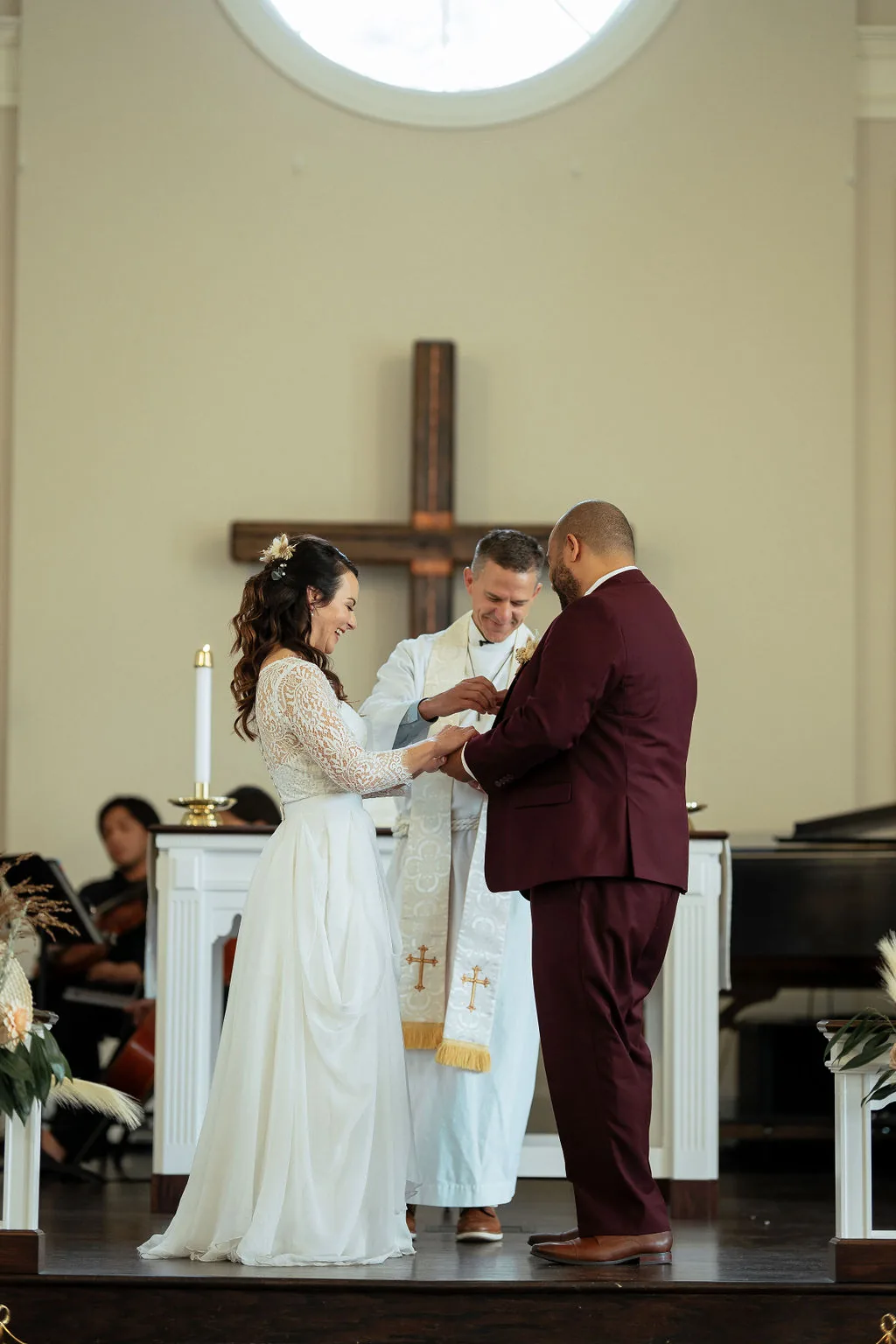
Should we have an unplugged ceremony?
Yes, for at least the ceremony. It is the single most effective thing you can do to keep your professional photos from being ruined by guest phones and iPads.
An unplugged ceremony means asking guests to put away all phones and cameras during the ceremony. This is not optional if you want clean professional photos. Guest phones ruin ceremony images in two ways: physically blocking the photographer line of sight, and casting screen glow on other guests faces. Ask your officiant to make a brief announcement before the ceremony starts, and place a tasteful sign at the ceremony entrance. Most guests comply happily when asked directly. The reception can be a free-for-all with phones, but protect the 20-30 minutes of the ceremony.
How do I enforce an unplugged wedding without being rude?
Use three layers: a sign at the ceremony entrance, an announcement from the officiant, and a note on your wedding website. The officiant announcement is the most effective.
The officiant announcement is key because it reaches every guest at the right moment. Have them say something like: "The couple has asked that you put away your phones and cameras during the ceremony so everyone can be fully present for this moment. A professional photographer and videographer are capturing everything." Keep it positive, not scolding. The sign at the entrance reinforces the message. A note on the wedding website gives advance warning. Using all three together makes sure even the most phone-attached guest understands the expectation. Do not rely on just a sign. People do not read signs.
When do guest photos actually help the wedding?
During the reception, especially on the dance floor, at the bar, and at tables. Guests capture candid moments and angles that the professional photographer cannot be in two places at once.
Guest photos are genuinely valuable during the reception. Your professional photographer cannot be everywhere simultaneously, and guests capture moments the pro might miss: a quiet conversation between old friends at a back table, a funny moment in the photo booth, kids dancing with grandparents. Setting up a shared album via Google Photos or a wedding-specific app gives you access to hundreds of additional candid moments. Some photographers even encourage guests to share their best phone photos because they add depth to the overall wedding story. The key distinction is that guest photos supplement professional work at the reception but interfere with it during the ceremony.
Should guests post wedding photos on social media before the couple?
No. Ask guests to wait until the couple posts first, or at minimum wait 24-48 hours. The couple should get to share their own wedding news on their own timeline.
This is a modern etiquette issue that matters a lot to many couples. Your wedding photos appearing on Aunt Carol Instagram before you have even seen them feels invasive. Include a note on your wedding website or a sign at the reception asking guests to hold off on social media posts until the couple shares first. Some couples designate a specific hashtag and ask guests to post only to that hashtag after 24 hours. Others are relaxed about it and encourage immediate sharing. The important thing is that the couple communicates their preference clearly so guests know what is expected.
What should wedding guests know about taking good phone photos?
Turn off flash (it does nothing from 30 feet away), stay seated during the ceremony, use portrait mode for close-ups, and never step into the aisle for a shot.
For guests who want to take good photos during appropriate moments like the reception: turn off your flash because phone flash beyond 6-8 feet illuminates nothing and just creates a distracting white pulse. Stay in your seat during the ceremony. Never step into the aisle, even briefly. Use portrait mode for close-up photos of people since it creates a nice depth of field effect. Hold your phone horizontally for group shots and vertically for singles. Clean your lens with your shirt before shooting because pockets coat lenses with smudges. And perhaps most importantly, be present first and photograph second. Experiencing the moment through a screen rather than with your own eyes is something people consistently regret.
How can couples create a shared photo album for wedding guests?
Google Photos shared albums are the easiest option. Create an album, share the link via QR code at the reception, and guests can upload their photos directly.
The simplest approach is a Google Photos shared album. Create the album, generate a shareable link, print the link as a QR code on a card at each table or on signage near the bar. Guests scan the code and can upload their photos directly. Other options include dedicated apps like The Guest and Greenvelope which offer more features like moderation and organizing. For a low-tech approach, ask a bridesmaid to collect AirDrop submissions throughout the night. Whatever method you choose, set it up before the wedding and test it. Post-wedding requests for guests to email photos result in about a 15% response rate. Real-time sharing during the event gets 60-70% participation.